A data request
Your area, dates, resolution and sensor or spectral needs.
The Milkypad platform
Start with your location, your question or your data. Milkypad connects satellite data acquisition, AI-assisted geospatial analysis and custom app creation in one workflow, so you can work with Earth data without becoming a GIS or software engineer.
Explore interactive examples and request access for your own workflow. The examples use prepared data.
Receive your data.
Continue into analysis or apps when useful.
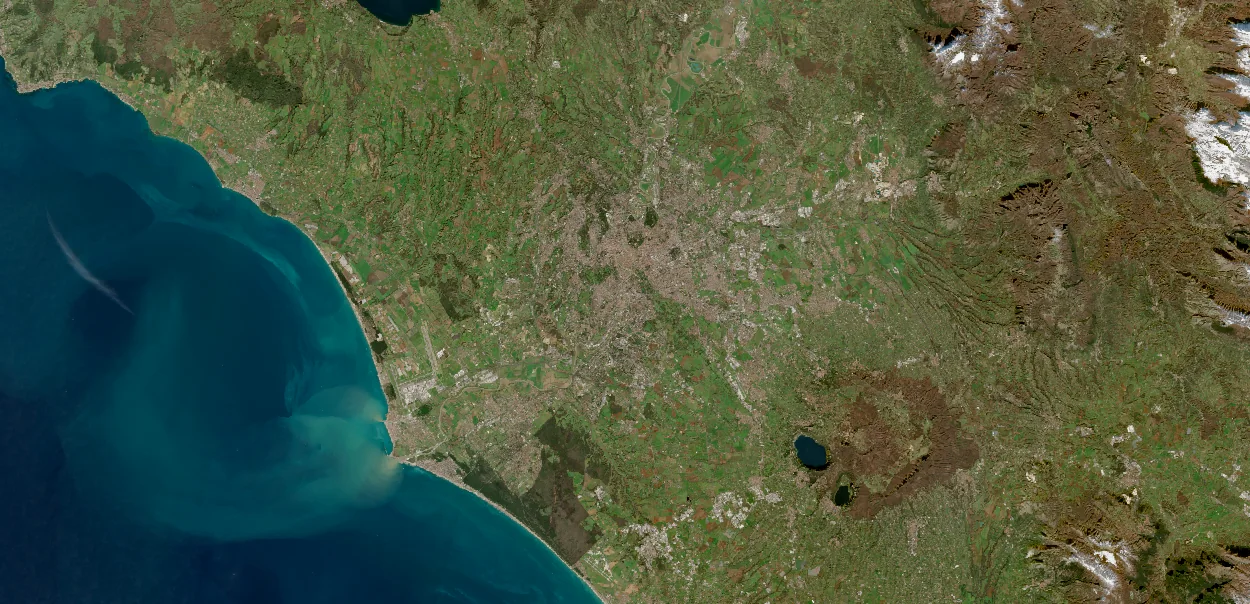 Illustrative area of interest
Receiving the agreed data can complete your task. Availability is checked against the request.
Explore a data request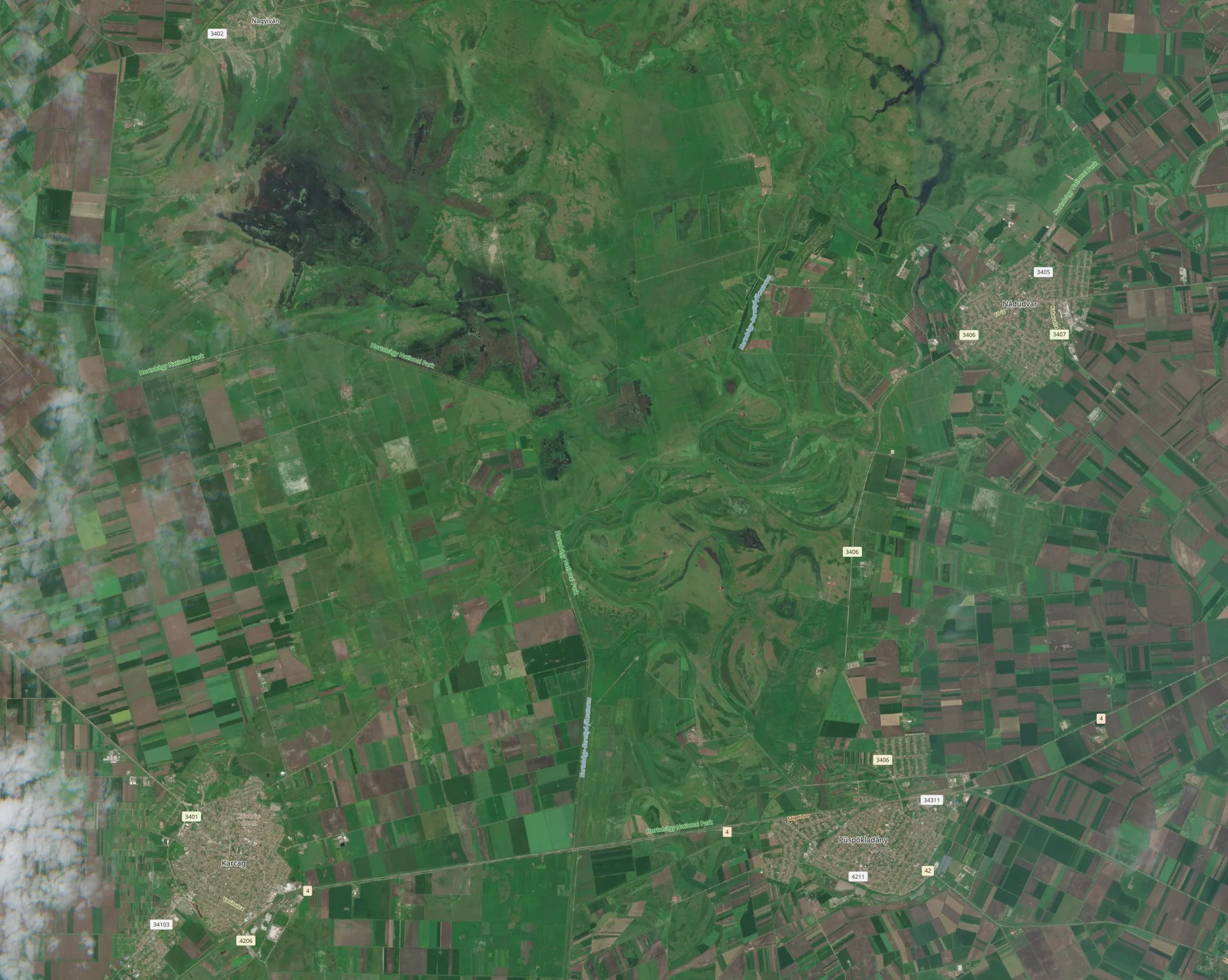 Fictional boundaries · imagery backdrop
Explore a map. Filter a list. Open a result.
Try the Studio previewWhich of my sites should I look at more closely?
We could compare observations for your sites and prepare a list for field review.
Turn a recurring review into an app when needed.
Get a result without writing GIS code.
Meet your AI assistantObservations, uploaded boundaries and field records.
Inputs, methods, recorded runs and their outputs.
The views and controls that use those results.
Follow a result back to its source.
Understand the dataBring the work you need to do
You may already know the observations you want to order, or need help choosing them. Define the area, dates and measurements; suitable options depend on coverage, source availability and collection feasibility.
Your area, dates, resolution and sensor or spectral needs.
“What changed at these sites?”
Site boundaries, field measurements and business records.
A map or dashboard to adapt for a new task.
Data delivery, analysis and apps
A data order and delivery can complete your task. Use the data in your existing workflow, ask Milkypad for an analysis or build an app when you need one.
Specify an area anywhere on Earth, dates, spatial detail and the spectral bands or sensor type you need. Find suitable archive data or explore a future capture request, then review availability, price and delivery terms.
Explore data acquisitionCompare dates, measure a change or investigate a pattern with AI assistance. Get a map, chart, table or report you can use and explain.
Explore analysisTurn a recurring task into an app with the maps, filters and reports your team needs. Describe the changes in plain language, without writing the software yourself.
Explore App BuilderReturn to a saved app to review another site or explore your results. Keep using its maps and controls without starting a new AI conversation.
Try a sample appLess repeated setup
Keep your sites, observations, analysis settings and results together. Use the same work for a follow-up question, a report or an app instead of assembling it again across separate tools.
How you can check a resultFollow a result back to its source, observation dates and method when a colleague asks how it was produced.
See which data and results an app uses, and review revisions before accepting a change.
Understand the proposed work, permitted data use and costs before authorizing paid actions.
Help shape Milkypad
Bring a data request, an analysis question or a tool you want to build. For data acquisition, include your area, dates and required measurements or resolution.
Share your request